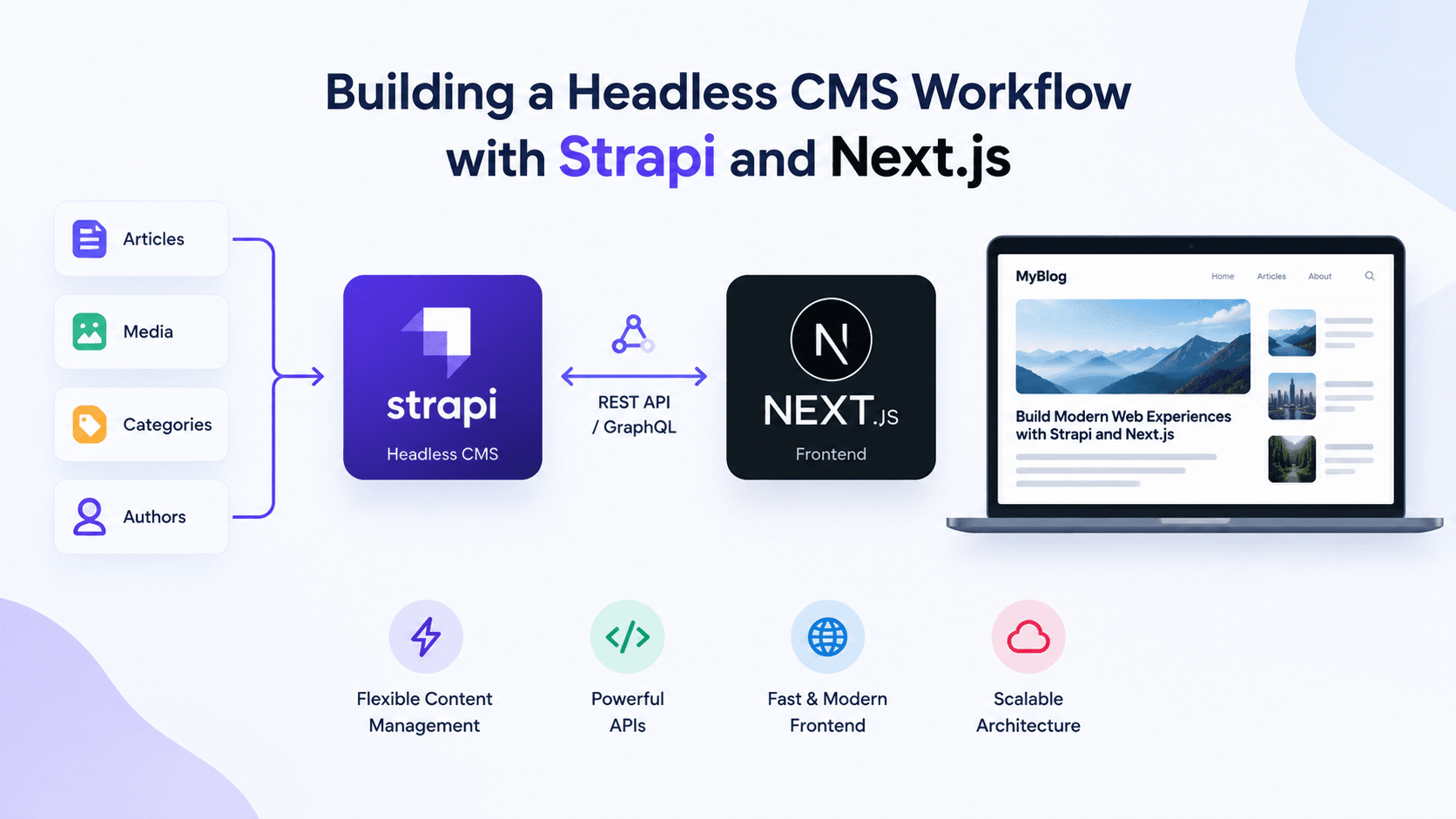
Building a Headless CMS Workflow with Strapi and Next.js
A practical guide to wiring Strapi's content API into a Next.js App Router project.
Why Headless?
The pitch for headless CMS is usually delivered as a list of buzzwords — omnichannel, API-first, future-proof — none of which survive contact with an actual project. The real reason is narrower and more honest.
Your content editors and your frontend developers want different things, and a coupled CMS forces one group to lose.
WordPress gives editors a comfortable authoring experience and gives developers PHP templating, a plugin ecosystem of variable quality, and a rendering model that fights every modern frontend pattern. A headless setup lets the editor keep their comfortable admin panel while the frontend becomes a normal application you build with normal tools.
The moment your design team starts asking for things the theme can't do, you're either fighting the CMS or replacing it.
When Headless Is the Wrong Call
Worth naming upfront. Skip headless if:
- You have one frontend and no plans for a second
- Your editors need true WYSIWYG preview of the final rendered page
- The site is genuinely brochureware and nobody will touch it after launch
- You don't have a developer available for ongoing maintenance
Headless adds a second system to deploy, monitor, and keep in sync. That cost is real.
Setting Up Strapi
Strapi is a Node application with its own database and admin panel. It does not install "into" your Next.js app — they're two separate processes.
npx create-strapi-app@latest my-cms --quickstart --typescript
This spins up on http://localhost:1337 with SQLite. SQLite is fine for local development and wrong for production — swap it for Postgres before you deploy.
Repository Structure
Two reasonable layouts:
| Layout | Structure | Best for |
|---|---|---|
| Separate repos | my-cms/, my-site/ | Independent deploy cadence, separate teams |
| Monorepo | apps/cms/, apps/web/ | Shared types, unified CI, small team |
We default to the monorepo for small teams. The shared TypeScript types alone justify it — you can generate frontend types directly from Strapi's schema rather than hand-maintaining a parallel set that silently drifts.
Modelling Content
This is where most projects go wrong, and the mistakes are expensive to undo once you have real content.
Get Your Relations Right
Strapi offers several relation types, and the UI makes it easy to pick the wrong one. The distinction that trips people up:
- oneToMany — one Article has many Images. Each image belongs to exactly one article
- manyToMany (
manyWay) — an Article has many Tags, and each Tag belongs to many Articles - oneToOne — one Article has exactly one SEO record
An image gallery is oneToMany. Tags are manyToMany. Choosing manyWay for a gallery means one image can be attached to multiple articles, which breaks cascade-delete and makes any per-article displayOrder field meaningless.
{
  "blog_images": {
    "type": "relation",
    "relation": "oneToMany",
    "target": "api::blog-image.blog-image",
    "mappedBy": "blog"
  }
}
Note mappedBy on the owning side and inversedBy on the inverse side — Strapi needs both to wire the relation correctly.
Draft & Publish
Enable draftAndPublish on any content type editors will work on:
{
  "options": {
    "draftAndPublish": true
  }
}
This gives you publishedAt for free and means unpublished entries don't leak into your public API. You don't need a separate status enum field — Strapi handles it.
Fetching Content in Next.js
The Populate Problem
Strapi returns only scalar fields by default. Relations, media, and nested components come back empty unless you explicitly ask for them. This is the single most common "why is my image undefined" bug.
// Returns title, slug, content — but coverImage is missing entirely
await fetch(`${STRAPI_URL}/api/blogs`);

// Returns the cover image, category, and the author's avatar
await fetch(
  `${STRAPI_URL}/api/blogs?populate[coverImage]=true` +
  `&populate[blog_category]=true` +
  `&populate[author][populate][avatar]=true`
);
Nested populate syntax is verbose and unforgiving. Build it once in a service layer and never write it inline in a component.
A Service Layer
Keep every Strapi call behind typed functions. Components should never know the API shape:
const STRAPI_URL = process.env.NEXT_PUBLIC_STRAPI_URL || "http://localhost:1337";

export async function getBlogBySlug(slug: string): Promise<Blog | null> {
  try {
    const res = await fetch(
      `${STRAPI_URL}/api/blogs?filters[slug][$eq]=${encodeURIComponent(slug)}` +
      `&populate[coverImage]=true&populate[author][populate][avatar]=true`,
      { next: { revalidate: 60 } }
    );

    if (!res.ok) {
      console.error(`getBlogBySlug failed: ${res.status}`);
      return null;
    }

    const data: StrapiResponse<Blog[]> = await res.json();
    return data.data?.[0] ?? null;
  } catch (err) {
    console.error("getBlogBySlug error:", err);
    return null;
  }
}
Two details that matter here:
- Always
encodeURIComponentthe slug. Unencoded user input in a filter query is an injection vector - Log your failures. A bare
catch { return null }turns a permissions misconfiguration into a mysteriously empty page with no diagnostic trail
Revalidation Strategy
revalidate: 60 means content updates appear within a minute. For most marketing sites that's fine. If editors need instant updates, add a Strapi webhook that hits a Next.js route handler:
// app/api/revalidate/route.ts
export async function POST(request: Request) {
  const secret = request.headers.get("x-revalidate-secret");
  if (secret !== process.env.REVALIDATE_SECRET) {
    return Response.json({ message: "Invalid secret" }, { status: 401 });
  }

  const body = await request.json();
  revalidatePath(`/blogs/${body.entry.slug}`);
  revalidatePath("/blogs");

  return Response.json({ revalidated: true });
}
Configure the webhook in Settings → Webhooks, firing on entry.publish and entry.update.
Gotchas
A collection of things that cost us time.
Media URLs Are Relative
Strapi's local provider returns /uploads/image.png, not a full URL. Every consuming component needs to prefix it:
function resolveMediaUrl(url?: string | null): string | null {
  if (!url) return null;
  return url.startsWith("http") ? url : `${STRAPI_URL}${url}`;
}
The startsWith("http") check matters because S3 and Cloudinary providers do return absolute URLs — you want the same helper to work regardless of provider.
Escaped Newlines in Markdown
If you seed content programmatically and the payload gets JSON-encoded twice, real newlines become the literal characters \ + n. Markdown then renders them as visible text instead of paragraph breaks. Normalize defensively at the service layer:
function normalizeMarkdownContent(content?: string | null): string {
  if (!content) return "";
  return content
    .replace(/\
\
/g, "
")
    .replace(/\
/g, "
")
    .replace(/
{3,}/g, "

")
    .trim();
}
Permissions Are Off by Default
A fresh content type returns 403 to unauthenticated requests. Enable find and findOne under Settings → Users & Permissions → Roles → Public, or use an API token for server-side calls. This bites everyone exactly once.
Markdown Needs GFM
Plain react-markdown handles CommonMark only. Tables, strikethrough, and task lists silently render as literal text until you add the plugin:
npm install remark-gfm
Summary
| Decision | Recommendation |
|---|---|
| Database | Postgres in production, SQLite locally only |
| Relations | oneToMany for galleries, manyToMany for tags |
| Status field | Use draftAndPublish, not a custom enum |
| Data fetching | Typed service layer, never inline in components |
| Revalidation | ISR baseline, webhooks if editors need instant |
| Markdown | react-markdown + remark-gfm, always |
The setup cost is a couple of days. The payoff is that your frontend stops being a CMS theme and starts being an application.
Gallery